Sign in to pes445 — your account waits every match night
Log in with your registered phone number and password. Your session stays active so you never miss a moment during BPL, IPL, or T20 live games.
- Secure SSL-encrypted login
- Works on mobile, tablet, and desktop
- Instant access — no waiting time
- bKash, Nagad, Rocket ready on sign-in
- 24/7 live chat if you get stuck
Keep Your Account Safe: Five Things to Do Now
A few quick habits protect your balance and personal data every time you log in.
Use a strong, unique password
Mix uppercase letters, numbers, and symbols. Avoid birthdays or repeated digits. Never use the same password for your bKash account and pes445 — if one leaks, the other stays safe.
Enable SMS verification
Turn on two-step verification so every new device login triggers an OTP to your phone. This blocks anyone who steals your password but doesn't have your SIM card.
Avoid public Wi-Fi for login
Coffee shop and bus-stand Wi-Fi can expose your credentials. Use mobile data (Grameenphone, Robi, Banglalink) or a trusted home network when signing in to your account.
Log out from shared devices
If you log in on a friend's phone or a shared computer, always tap "Log Out" before handing it back. The "Remember me" option should only be ticked on your own personal device.
Watch out for fake login pages
Always check the URL is pes445.lat before entering your password. pes445 will never ask for your password by SMS or Telegram. When in doubt, go directly through the official app.
How to complete pes445 login in four steps
The whole process takes under a minute on any device — here is exactly what to do.
-
1
Open the login page
Go to pes445.lat/pes445-login/ in your browser, or tap "Log In" inside the pes445 App. The page loads in under two seconds on a standard mobile data connection. Check that the URL in your browser bar matches exactly — no typos, no extra characters. This confirms you are on the genuine pes445 site, not a copy.
-
2
Enter your phone number and password
Type the mobile number you used when you registered your account. Use the same number format — usually 11 digits starting with 01. Then enter your password. The eye icon on the right lets you show or hide the characters if you want to double-check what you are typing.
-
3
Complete OTP verification (if required)
If you are logging in from a new device or browser, pes445 sends a one-time code to your registered number by SMS. Enter the code within two minutes. If the SMS does not arrive, tap "Resend Code." Make sure your phone has signal — switch from Wi-Fi to mobile data if the SMS is slow to arrive.
-
4
Tap "Log In" and start playing
Hit the green "Log In" button. You land directly on the main lobby where your balance, active bonuses, and favourite games are ready. For the next time, tick "Remember me" on your personal phone so you skip the phone/password fields — your session stays open even across BPL live-streaming nights.
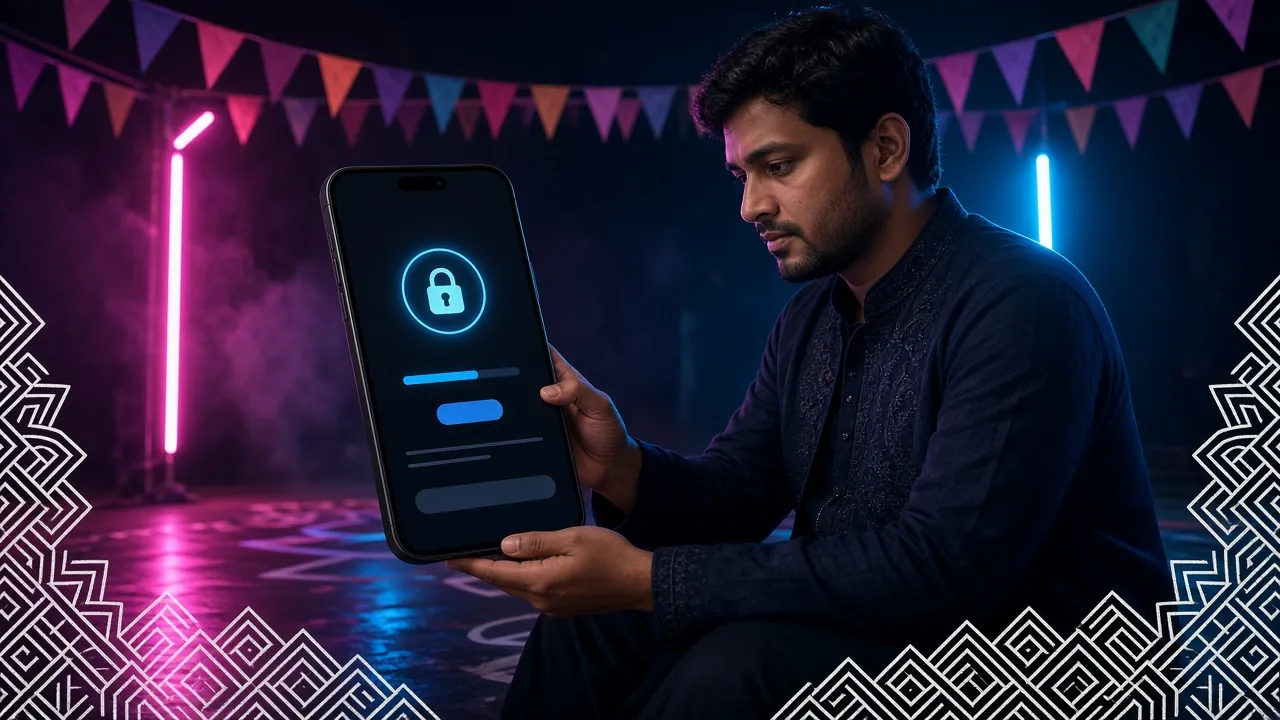
Three ways to sign in: browser, app, or phone number direct
Pick the method that fits your device and habit. All three reach the same account — your balance and history are always in sync.
| Login Method | Speed | Offline Access | "Remember Me" | Push Notifications | Best For |
|---|---|---|---|---|---|
| Browser (Chrome / Firefox) | Fast | Desktop players, any OS | |||
| pes445 App (Android) | Fastest | Mobile players, BPL nights | |||
| Phone Number + OTP only | Moderate | When you forget password |
The pes445 App (v2.3.9, 58 MB, Android 8.0+) is free to download. Get the APK here. Recommended row is highlighted in green.
Login not working? Six problems solved in one table
Find your problem in the first column, read why it happens, then follow the fix. Most issues resolve in under two minutes.
| Problem | Likely Cause | How to Fix It |
|---|---|---|
| "Wrong password" error | Password entered with CAPS LOCK on, or you recently changed it on another device and the old one is still saved in the browser's autofill. | Turn off CAPS LOCK and retype carefully. Clear your browser's saved password for pes445.lat, then type the current one manually. If still failing, use the password reset flow below. |
| OTP SMS never arrives | Low mobile signal, number ported to a new SIM, or the SMS is filtered as spam by some carriers. Occasionally, high traffic during match nights adds a 1–2 minute delay. | Wait 2 minutes, then tap "Resend Code." Move to an area with better signal or switch from Wi-Fi calling to regular mobile data. If still nothing, contact 24/7 live chat with your registered number ready. |
| Account locked after multiple wrong attempts | Too many consecutive failed login attempts trigger a temporary 30-minute security lock to protect your account. | Wait 30 minutes, then try again with the correct credentials. Alternatively, start the password reset process straight away — completing it will unlock your account immediately. |
| Page loads but login button is greyed out | Both fields are still empty or the phone number field contains letters/spaces. The button activates only when both fields have valid input. | Check that you have entered a full 11-digit phone number (numbers only, no spaces or dashes) and at least one character in the password field. The button will turn red and become clickable once both fields are valid. |
| "Session expired" message after logging in | The browser security token timed out — this can happen if you leave the tab open for many hours without activity, or if the system clock on your device is set to the wrong date/time. | Close the tab, reopen pes445.lat/pes445-login/, and log in fresh. Check your phone's date and time — set it to automatic so it stays in sync with UTC+06 (Bangladesh Standard Time). |
| App crashes on the login screen | Running an outdated APK version (below 2.3.9), insufficient storage on the device, or a conflicting VPN connection. | Go to the App page and download the latest APK (v2.3.9). Make sure your Android version is 8.0 or higher and you have at least 100 MB of free storage. Disable any active VPN before logging in. |
Still stuck? pes445 live chat is available 24/7 — open the chat widget and share your registered number so the agent can pull up your account quickly.
Reset Your Password: Three-Step Recovery
You will need access to the phone number you registered with. The whole reset takes under three minutes.
Tap "Forgot password?" on the login page
The link is just below the password field. Tap it and you will see a short form asking for your registered phone number. Enter the full 11-digit number and tap "Send OTP." A six-digit code arrives by SMS within 60 seconds. If your phone has poor signal, move to a window or switch to mobile data before requesting the OTP.
Enter the OTP and verify your identity
Type the six-digit code from the SMS into the verification box. The code is valid for five minutes — do not close the page. If the code expires before you enter it, tap "Resend OTP" once. After successful verification, the system confirms your identity and immediately opens the password reset field on the same screen.
Set a new password and log in
Choose a new password of at least eight characters — include one uppercase letter and one number to meet the minimum security requirement. Re-enter it in the confirmation field, then tap "Save Password." You are redirected straight to the pes445 lobby, fully logged in, with your balance and bonus history intact. Update any saved passwords on your device.
Register with your phone number, make a first deposit of ৳400 or more, and your welcome bonus is added automatically. Explore the casino lobby before you even register.
Questions players ask about pes445 login
Quick, specific answers — no fluff.
Can I stay logged in between sessions?
Yes. Tick the "Remember me" checkbox before tapping "Log In" on your personal device. pes445 keeps your session token active so you go straight to the lobby the next time you open the site or app. For security, the session does expire after a long period of complete inactivity — typically several days. If you share the device with family, leave "Remember me" unticked and log out manually after each session.
Which phone number do I use to log in?
Use the mobile number you entered when you created your pes445 account — this is also the number linked to your bKash or Nagad wallet for deposits and withdrawals. If you have changed your SIM since registering, contact 24/7 live chat before trying to log in. The support team can verify your identity and update your registered number after a quick check, so you do not lose access to your balance.
Can I log in on two different devices at the same time?
pes445 allows you to have active sessions on a maximum of two devices simultaneously — for example, your Android phone and a laptop browser. If a third device tries to log in, the oldest session is automatically ended. This is a security measure. If you notice an unexpected logout, change your password immediately and check that no one else has your credentials. Contact live chat if you suspect unauthorised access.
Why am I redirected to a different page after logging in?
If you clicked a direct link to a specific game or promotion before logging in, pes445 remembers that destination and takes you there once authentication is complete. This is normal. If you are being redirected to an unfamiliar page or a third-party site, close the browser immediately — you may be on a phishing copy of the site. Always confirm the URL reads pes445.lat before entering any credentials.
Is it safe to log in through the pes445 App?
The pes445 App (v2.3.9, 58 MB, Android 8.0+) uses the same SSL-encrypted connection as the website, so the security level is identical. The APK is only distributed from the official pes445.lat domain — do not install APKs from Telegram groups or third-party app stores. Legitimate app updates keep the same download path at /pes445-app/ and are free. Enable "Install from unknown sources" only for this APK, then turn the setting off again after installation.
Can I make a deposit straight after logging in?
Yes — your bKash, Nagad, Rocket, Upay, and Bank Transfer options are available immediately after login with no waiting period. The minimum deposit is ৳400 and funds arrive in roughly 5 minutes. If this is your first deposit, your welcome bonus is calculated automatically and added to your bonus wallet once the transaction confirms. Head to the Deposit Guide for exact steps on each payment method.
Play Responsibly
pes445 is for players aged 18 and over. Gambling should be entertainment, not a way to earn money. Set a deposit limit, take breaks, and never chase losses. If you feel gambling is affecting your daily life, visit our Responsible Gaming page for self-exclusion tools and support contacts.